Who watches the thing that watches everything?
Uptime Kuma is how you find out your services are down. A Kuma that stopped monitoring reports nothing wrong — which looks exactly like everything being fine, for as long as you let it.
It is the one service where being checked from somewhere else is the entire value, and the phone in your pocket is somewhere else.
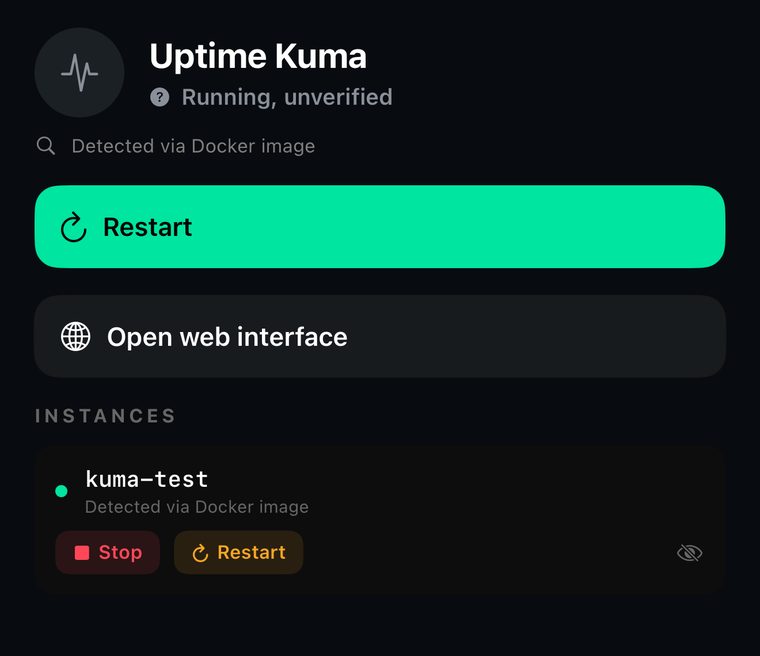
Its panel opens without you typing a port
Chillbox recognises the service, works out where its admin panel really listens, builds the SSH tunnel itself and opens the panel inside the app. You never type a port number.
Of the nineteen iOS SSH apps we measured, the seven that support tunnels all make you enter local port, remote host and remote port by hand — because none of them knows what is running on the machine. Nothing has to be exposed to your network for this: the panel is reachable from the phone and from nowhere else.
And the button does not appear if the port is not actually listening, even when the container is alive. AdGuard Home taught us that one: the host showed 3000 published and listening because Docker keeps the mapping open whether anything is behind it or not.
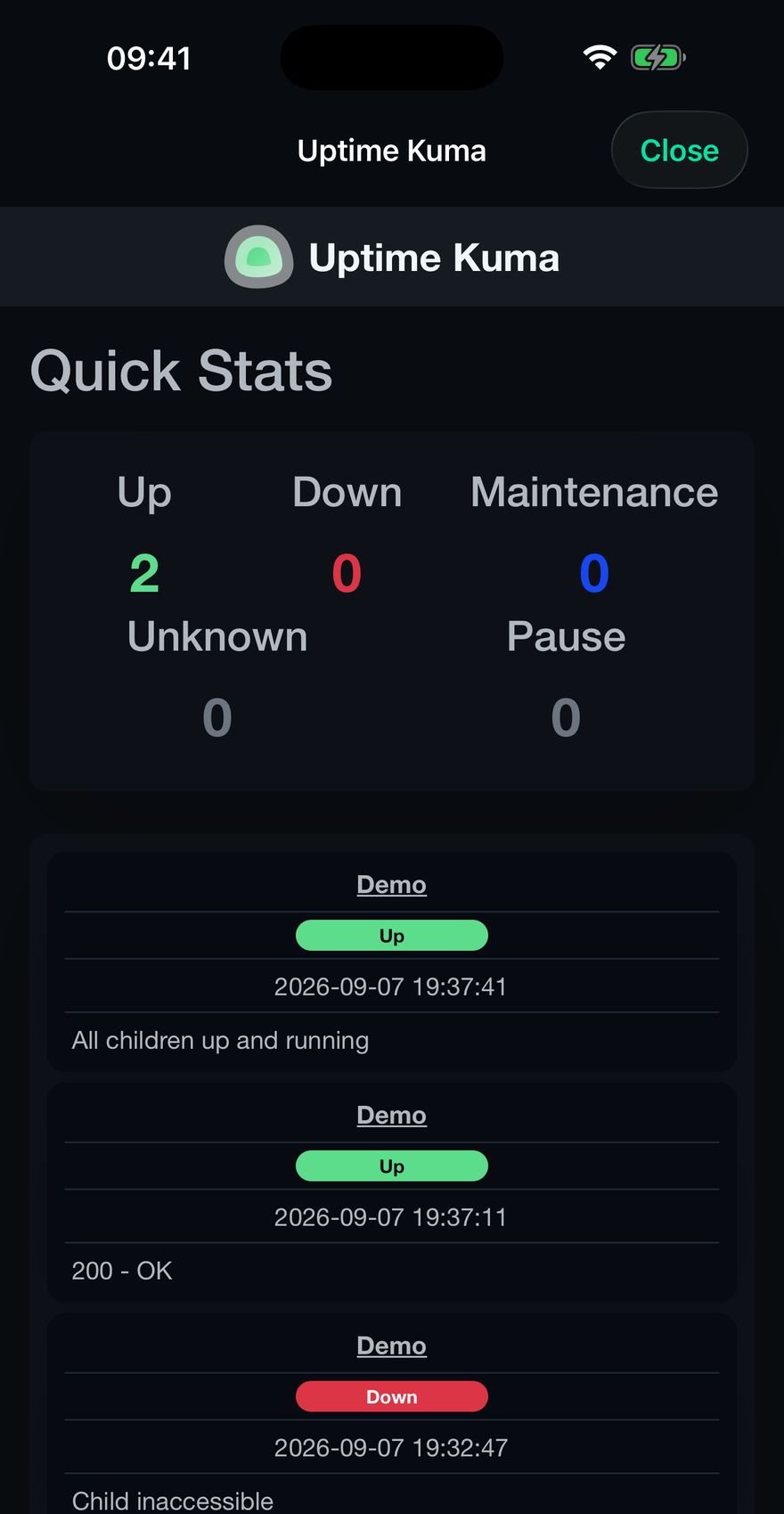
Four ways, because people install it four ways
Chillbox matches Uptime Kuma by its systemd unit, by its Docker image, by its running process and by Homebrew formula. Whichever way you got there, the same service is recognised, and the app tells you which signal found it rather than leaving you to guess.
What it will not do is upgrade that to healthy. A found service is reported as found. Confirming it works is a different claim, and the app only makes claims it checked.
- Panel
- Port 3001, opened over a tunnel Chillbox builds
- Also does
- Restart it, and each container instance separately
- Needs
- An SSH login. Nothing exposed to the network
- Costs
- Free to try, then $7.99 once
Put a second pair of eyes on your monitor
Add the server with the SSH login you already use. Chillbox reads it and tells you what it found, and what it could not.