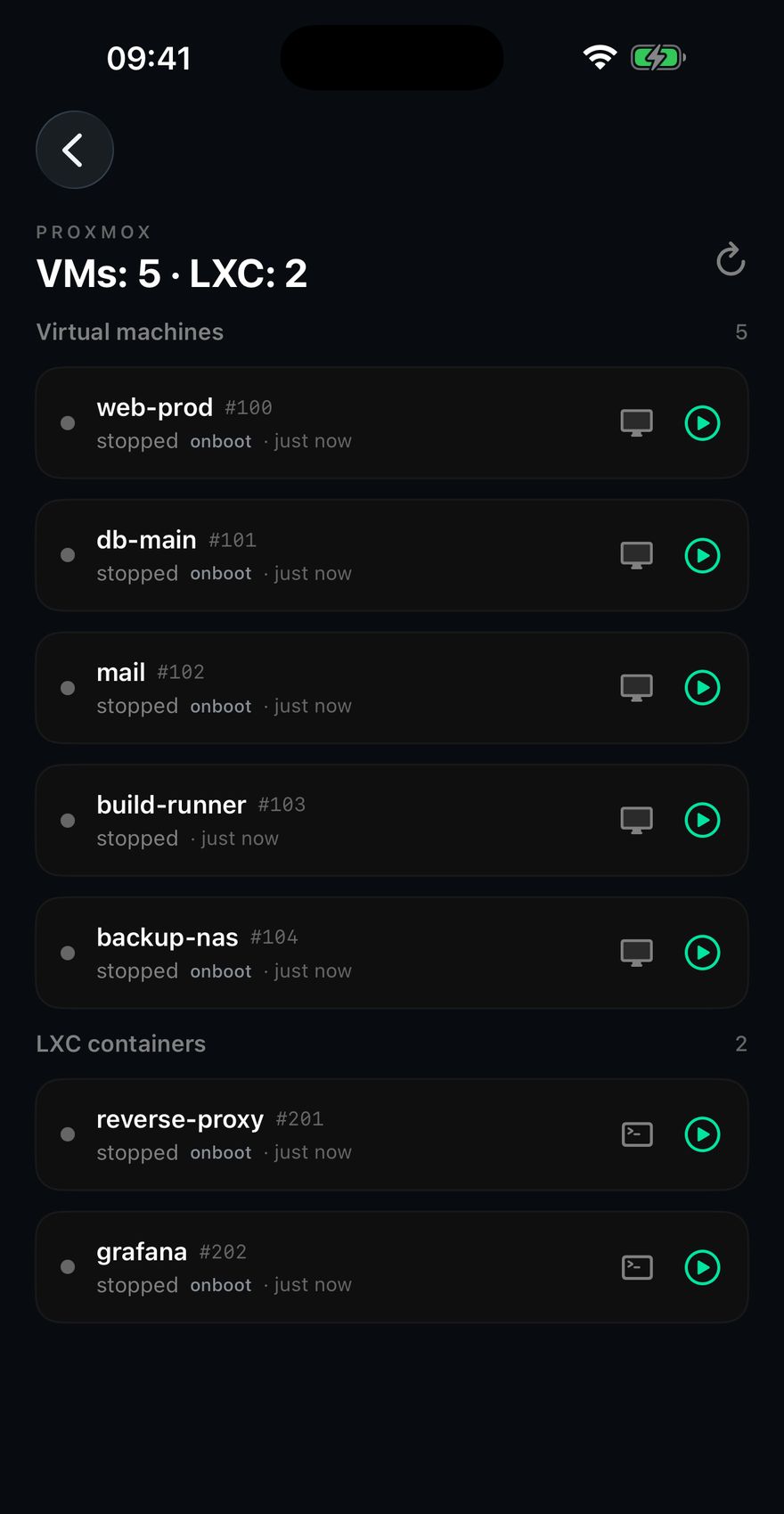
VMs and LXC
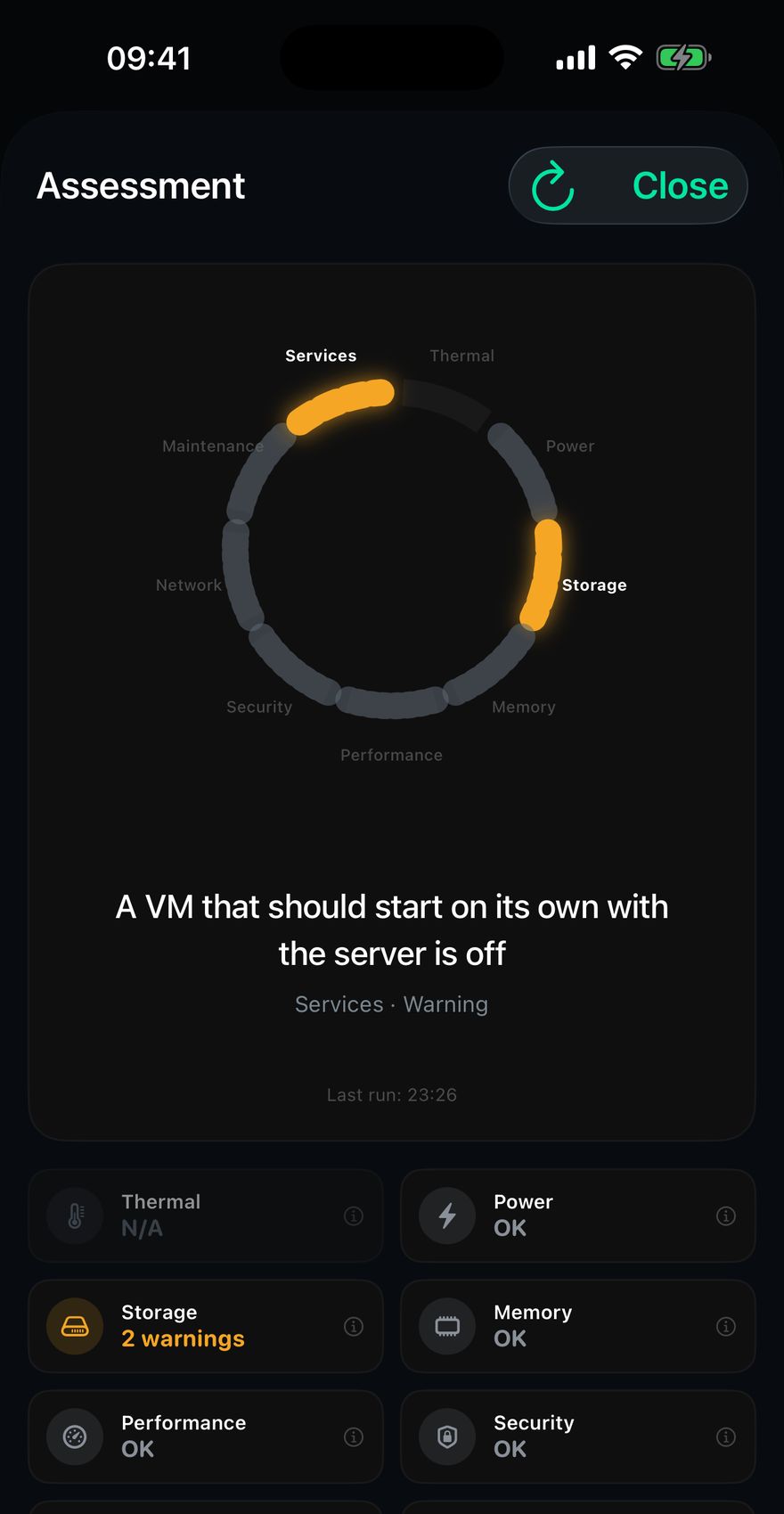
Start, stop, and a warning when a machine set to boot with the server is off. Containers open a terminal already inside them.
Chillbox reads your Linux box, your Raspberry Pi, your Proxmox node over plain SSH, and refuses to draw as fine anything it could not verify. Nothing installed on the server. No account. No cloud in the middle.
Nineteen of them. Seven can forward a port. Every one of those seven makes you type the local port, the remote host and the remote port yourself.
Chillbox already worked out what runs on the machine and which port answers. So it opens the admin panel inside the app and does the forwarding itself. Sixteen services in the catalogue.
The button does not appear when the port is not really listening, even when the container claims to be up. That is the whole point.
The service answered on the server's own loopback, just now.
The process is up and the service behind it is not answering. That is the failure that actually bites.
It is alive, and nothing here proved it works. Said out loud instead of counted as fine.
You stopped it on purpose. That is not an incident and it stays quiet.
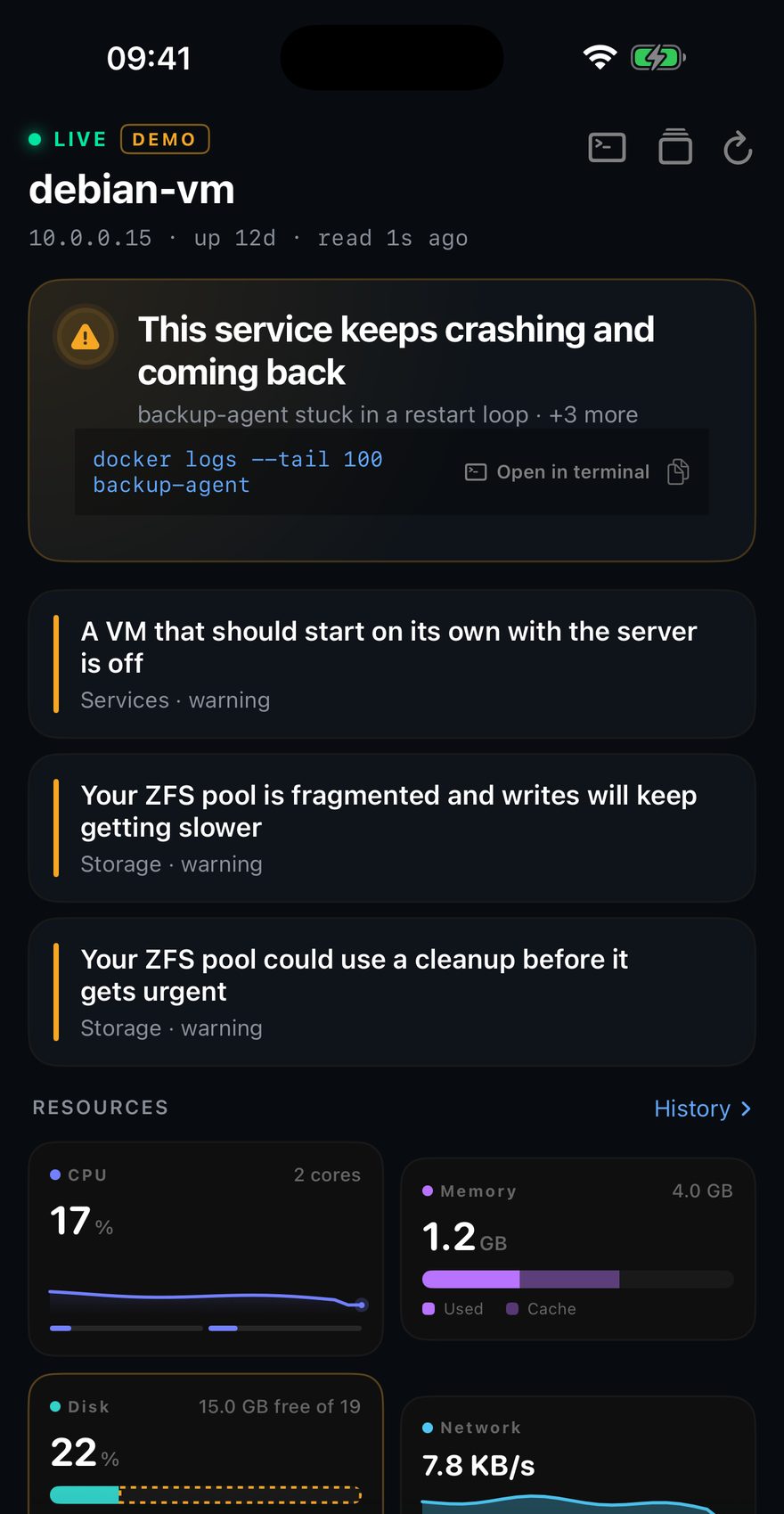
There is no score. Any single number that adds one critical to four warnings puts some pair of them in the wrong order. So the app names what is wrong, worst first, and hands you the command to run where there is one to give.
One line above the list, and the servers grouped underneath it. A server that could not be reached sits with the critical ones, never at the bottom with the healthy, because not knowing is not the same as fine.
Up to four read in parallel. Opening one no longer disconnects the rest.
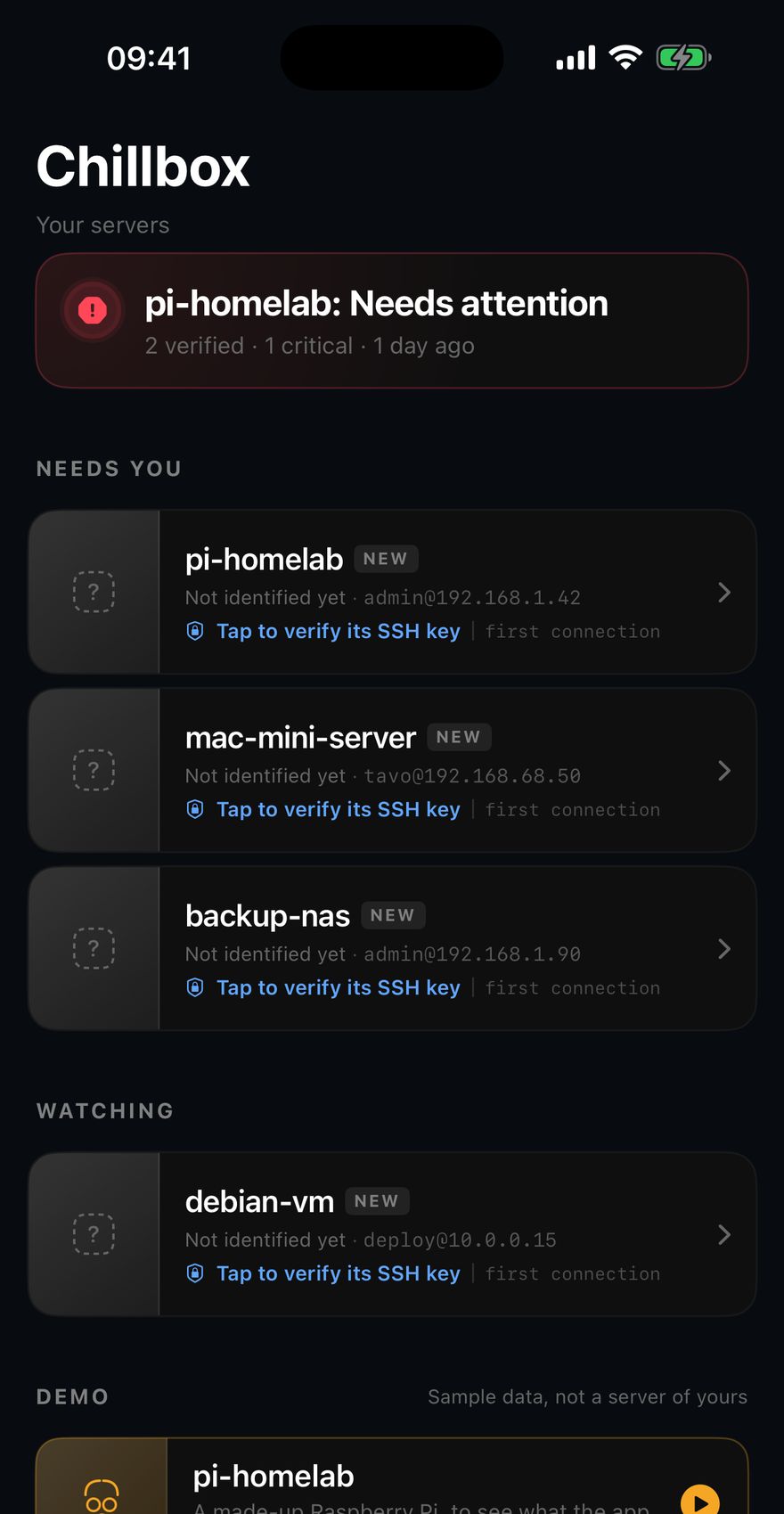
No configuration. Connect, and what you are running shows up with its own card, its own checks and its own restart button.
Virtual machines and LXC containers, start and stop, and a console that travels over its own SSH channel.
Start, stop, and a warning when a machine set to boot with the server is off. Containers open a terminal already inside them.
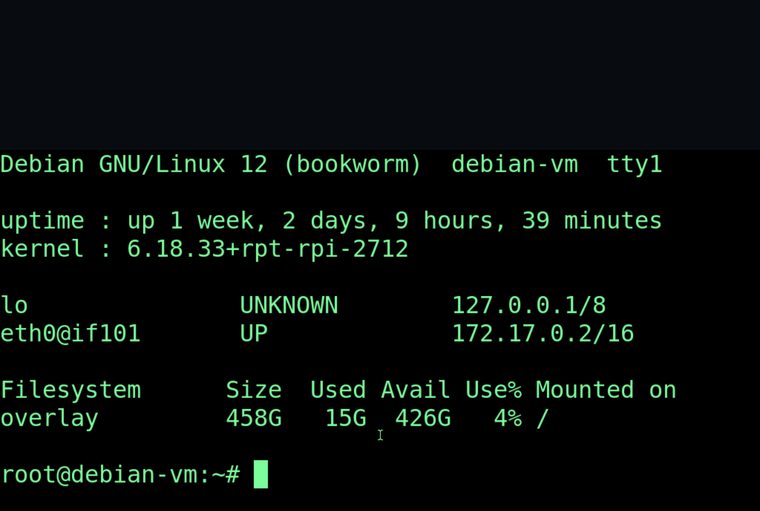
When a VM stops booting, SSH into it is dead by definition. The console still works: no port to open, nothing to forward.
Degraded pools, failed disks, and fragmentation, which is the one df cannot give you.
No agent, no daemon, no cron job. A password or an Ed25519 key, with its passphrase if it has one. The machine stays exactly as it was.
Your phone talks to your server and to no other machine. No account, no telemetry. Alerts are fired locally by the app, because there is nothing to push them from.
Pinned on the first connection, like known_hosts, and checked before a single credential is sent. If it ever changes, you hear about it.
The complete list of what it runs on your machine, read out of the source by hand, is on its own page: every command Chillbox runs.
An iPhone on iOS 17 or later, and a server you can already reach over SSH. If the machine is only on your LAN, so is Chillbox: bring your own VPN or Tailscale.
A password, or an Ed25519 key with or without a passphrase. RSA is accepted with a warning, because the library signs it with SHA-1 and OpenSSH 8.8 and later refuse that by default. ECDSA and PuTTY keys are turned away at import, and told why.
Your credentials never do. The only things that go anywhere are Apple's own: the App Store purchase, and the date your trial started, which sits in your iCloud so a reinstall does not hand you a second one.
There is no history you did not open the app for, no dashboard on a wall, no paging rota. It checks when you look, and in the background as often as iOS allows.
If the machine is only reachable on your LAN, so is Chillbox. Bring your own VPN or Tailscale; the app does not proxy anything.
Linux, macOS and the BSDs behind Proxmox. A Windows box over SSH is not something it understands today.
Which is exactly why every command it runs is written down, in full, on a page of its own.
Chillbox is the app that asks it properly.
Get it on the App Store